What's new on NeetoChat Help


Look up contacts with the API

New feature Sagar Anadkat
look-up-contacts-with-the-api.png

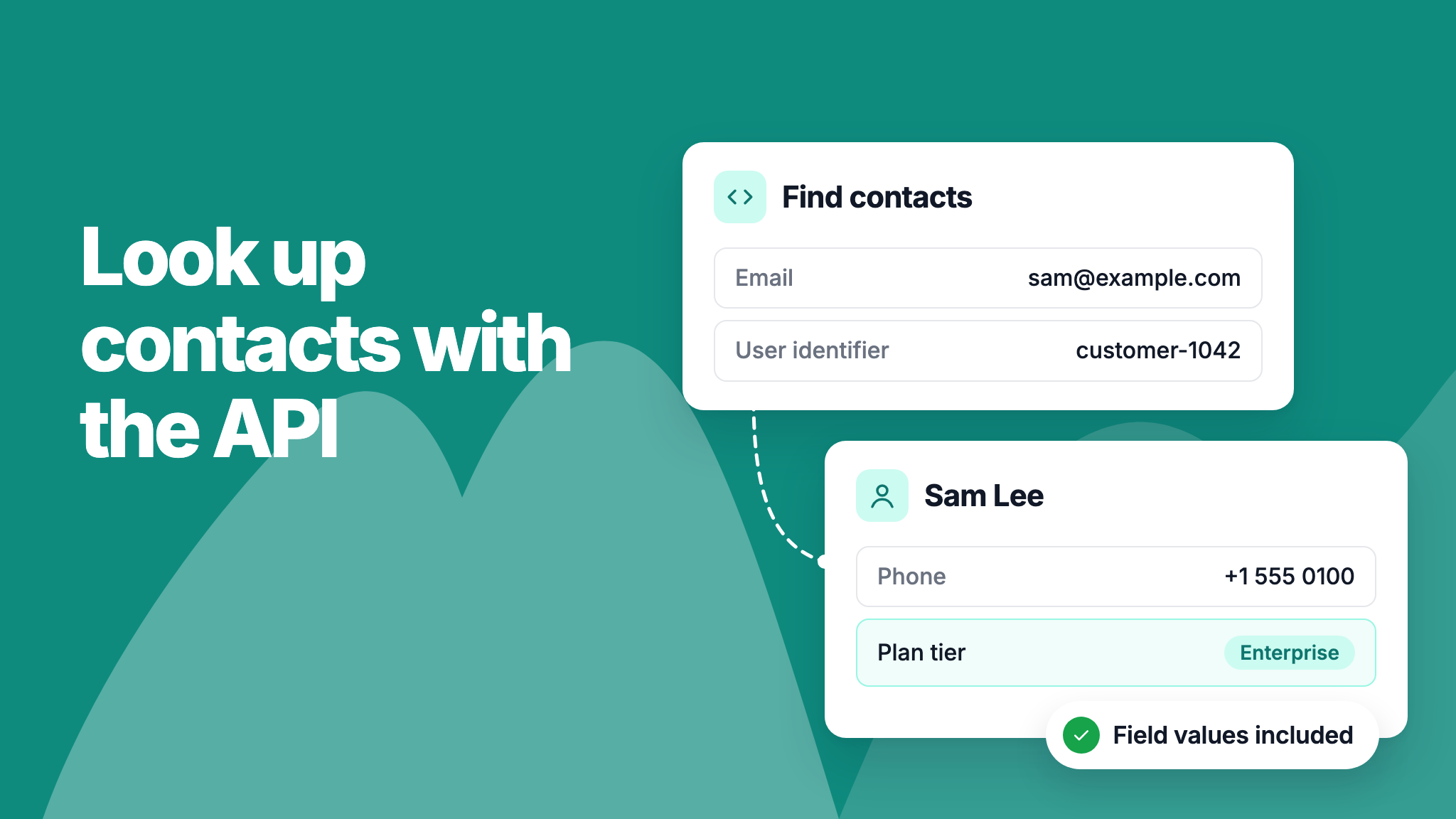
You can now look up contacts through the NeetoChat API, so your integration can fetch a person's details directly instead of going through one of their conversations.

Fetch a single contact by its ID, or list contacts filtered by email, user identifier, or both. Each contact comes with its name, email, phone number, traits, and contact field values. Since one person can have several contacts with the same email, the email filter returns a list.

To learn more, read our API documentation.

Unread replies when the widget is hidden

Improvement Sagar Anadkat
unread-replies-when-widget-is-hidden.png

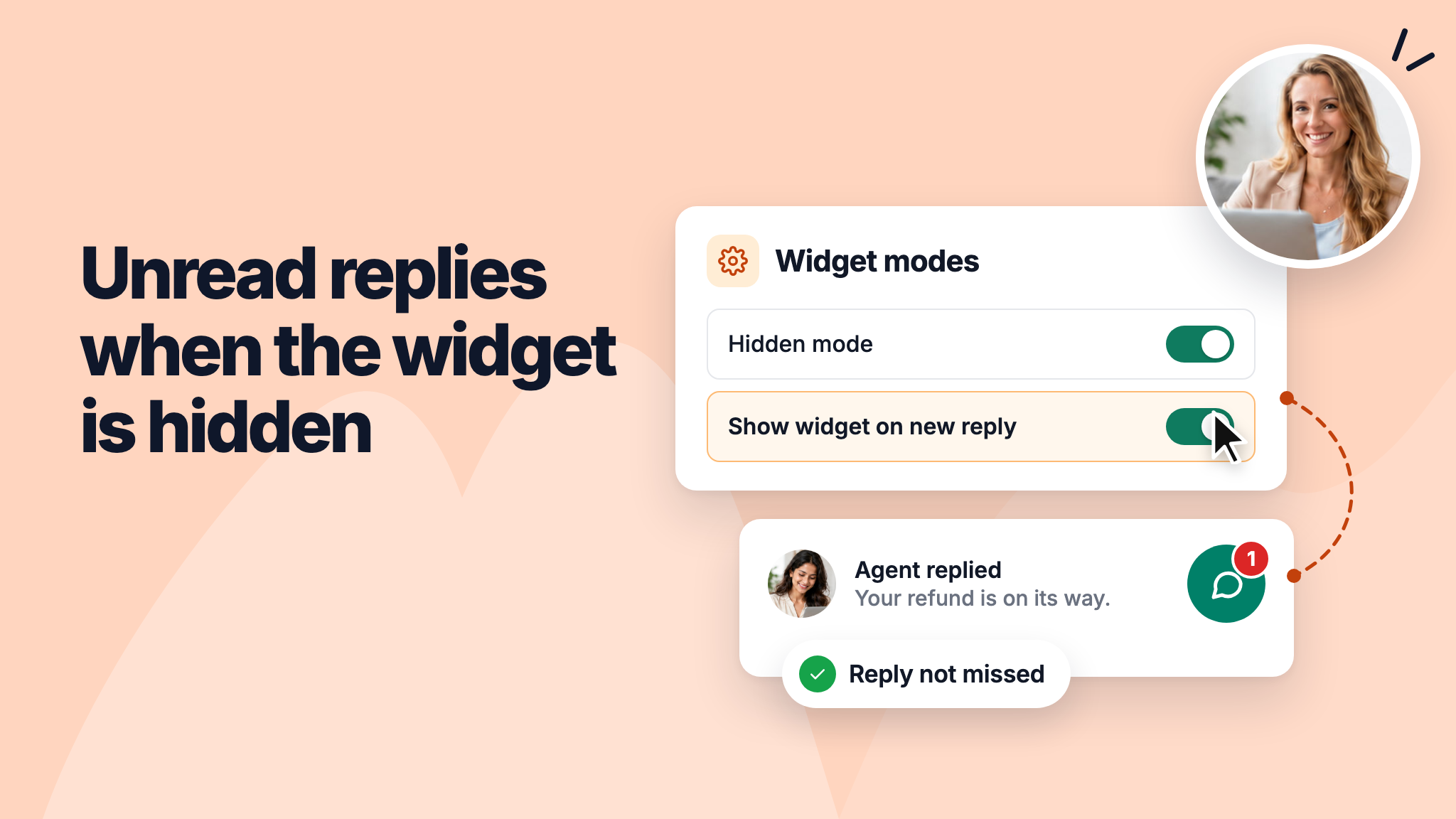
If you keep the NeetoChat widget hidden and open it from your own button or menu, a visitor could miss an agent's reply. You can now turn on Show widget on new reply under Widget modes, and the launcher comes back with its unread badge when an agent replies.

If you'd rather show the count in your own help menu, use the new onUnreadChange callback or NeetoChat.contextualHelp.getUnreadCount(). Both report how many replies the visitor hasn't read yet.

To learn more, read our help article.


chat-changelog-conversation-names-in-unread-message-emails_YquARxM_o.png

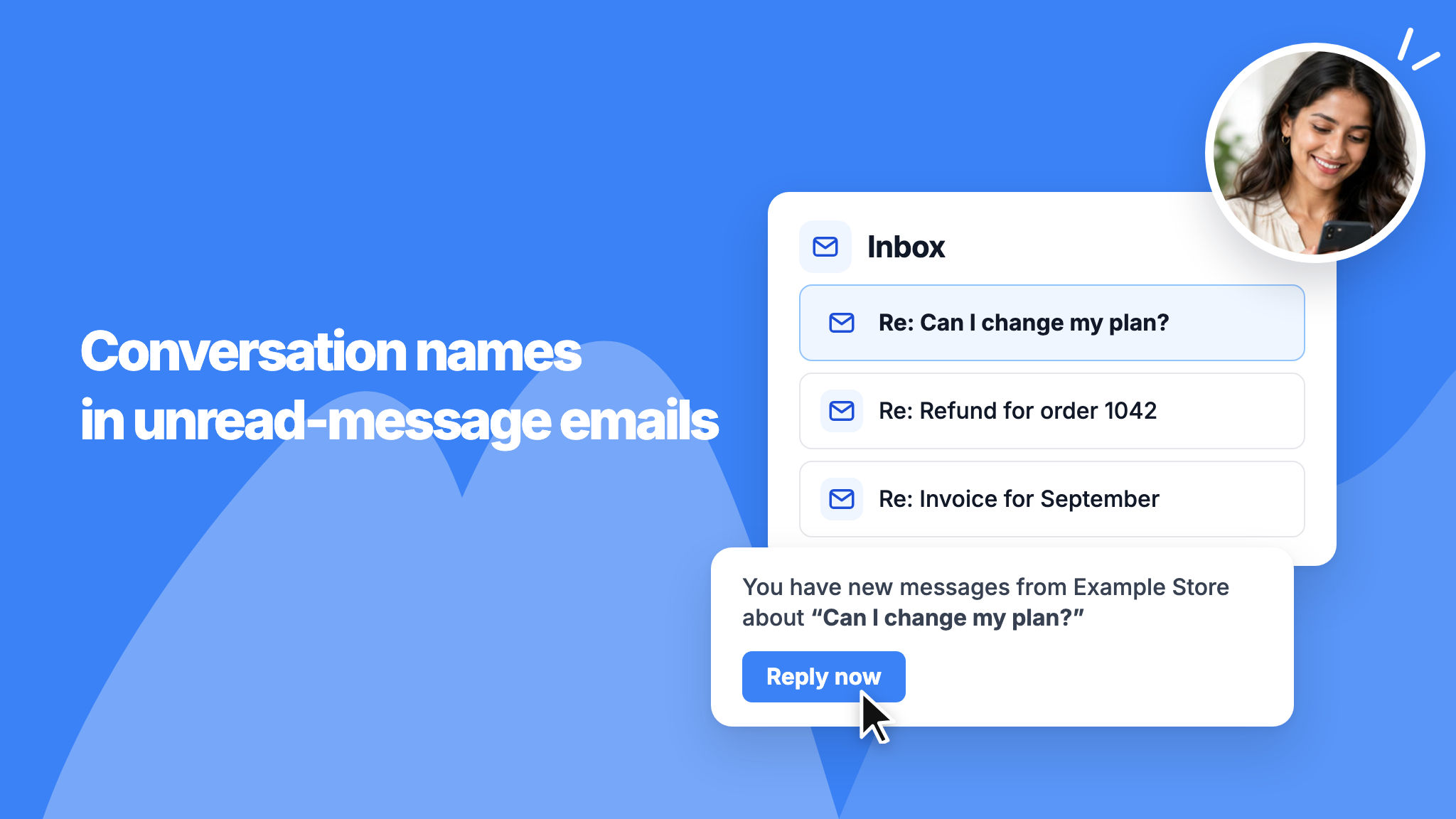
When a visitor misses your reply, the email we send them now names the conversation in its subject and body, using the conversation's title or the visitor's first message. Visitors with several conversations can tell which one you replied to, and email apps such as Gmail keep each conversation in its own thread.

The Reply now link in the email opens that conversation on the page where it started.

To learn more, read our help article.


chat-changelog-redesigned-automation-rule-builder_MF4v-pFBQ.png

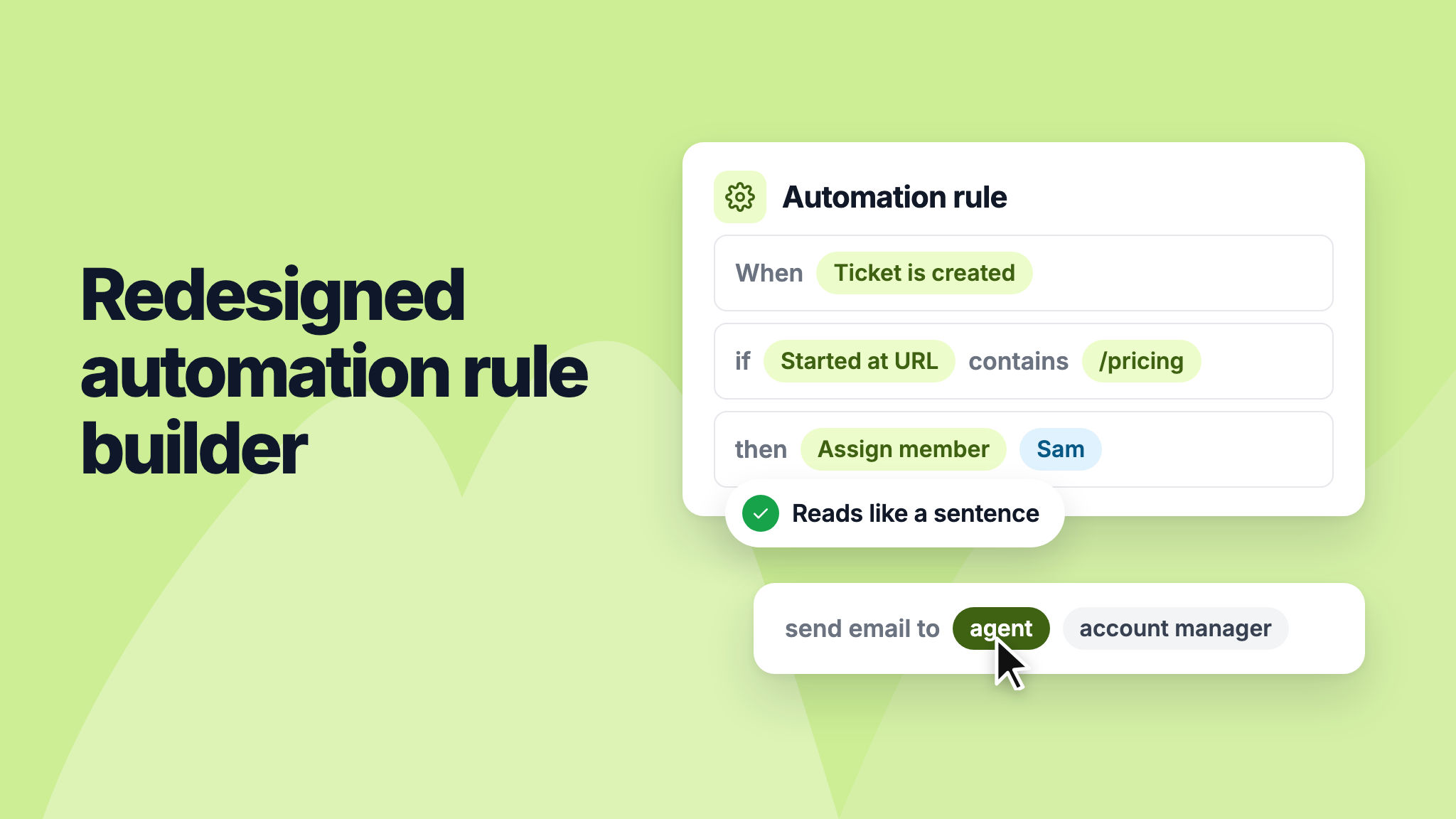
We've redesigned the automation rule builder so each rule reads like a sentence, such as assigning conversations that start on your pricing page to a sales agent. This makes it easier to see what a rule does at a glance.

The Email to agent and Email to account manager actions are now one Send email action, where you pick the recipient. Your existing rules keep working and open in the new builder.

To learn more, read our help article.


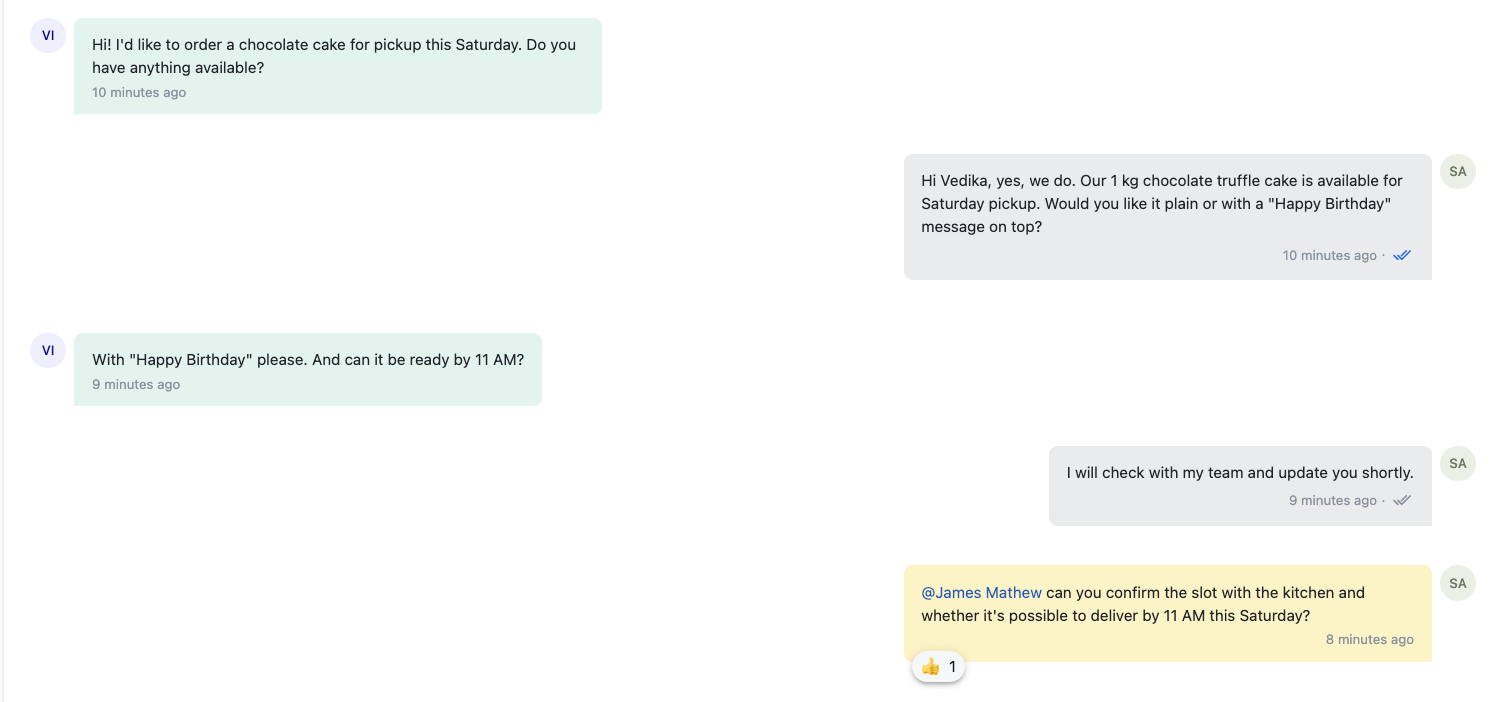
You can now see how far each message you send has traveled: Sent, Delivered, Seen, and more.

Previously, there was no clear indicator showing whether a customer had received or read your reply. A grey double check means your message was delivered; a blue double check means the customer has seen it.

This makes it easy to know where your reply stands and whether a customer still needs a follow-up.

To learn more, read our help article.

image

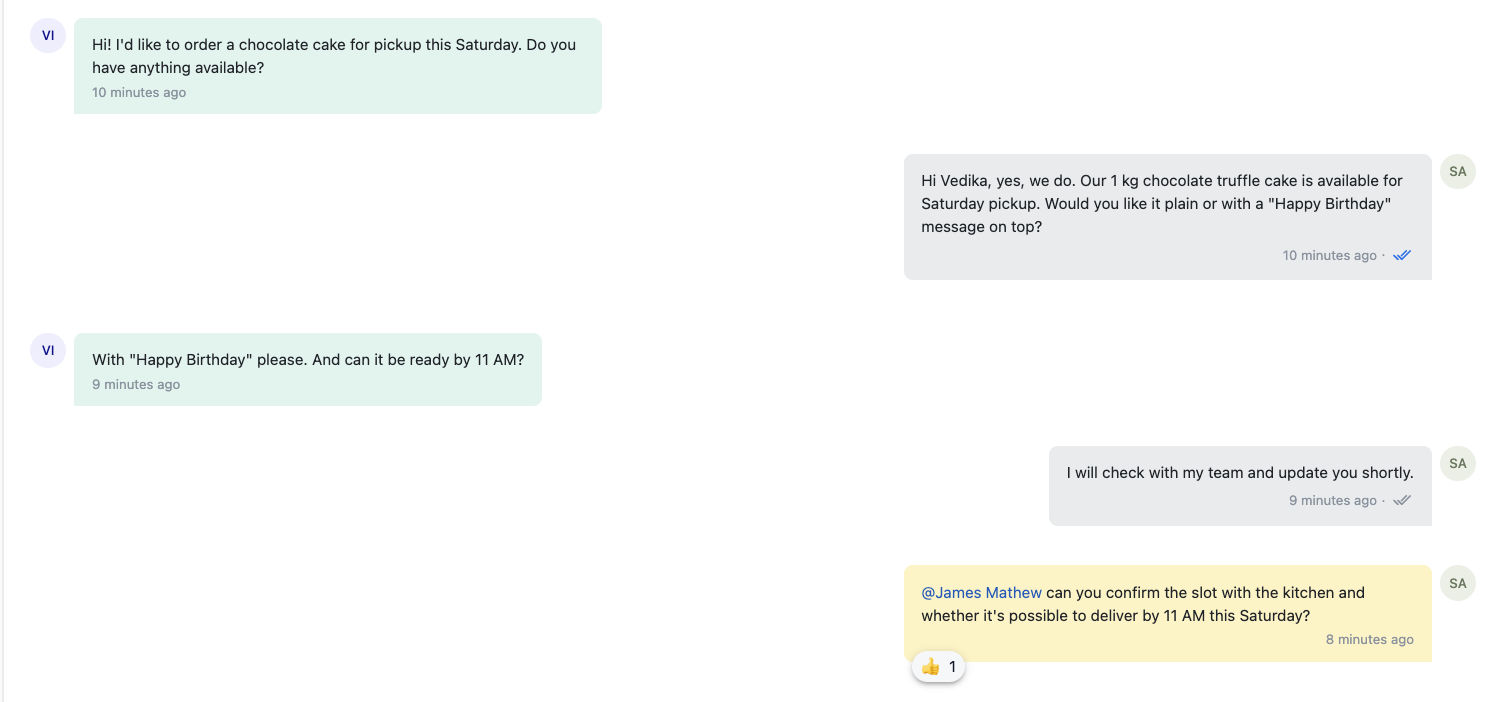
You can now react to any message in a conversation with an emoji. Previously, the only way to respond to a message was to type a reply.

With reactions, you and your team can acknowledge a message at a glance; a quick 👍 on a private note confirms you've seen it without adding another reply to the thread.

Reactions are visible to your team in the Inbox and are not shown to the customer.

To learn more, read our help article.

image